
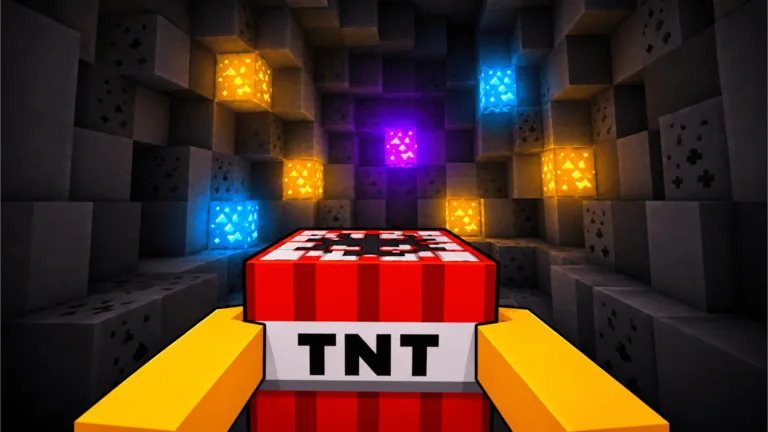
Use short, deliberate mining cycles
Frantic tapping makes the mobile version harder than it needs to be. Train Damage, enter the mine, frame a block cluster, and place the TNT only after the camera is settled. Light it, collect the blocks, and head back to sell when your inventory or TNT supply gets in the way.
Mobile support is listed on the official game page. Button positions can still move after a Roblox or game update, so use the labels currently on your screen.
Set the camera before placing TNT
Rotate the view while standing still, then center the surface where several blocks meet. A good angle lets you see both the placed crate and the route away from it. Place only after the target is clear. Then tilt or step slightly until the ignition prompt is visible.
This two-step approach prevents three common errors: dropping TNT on an edge, losing the crate behind your avatar or UI, and tapping a nearby travel or shop prompt by accident.
| Touch-screen problem | Adjustment |
|---|---|
| The wrong prompt opens | Move sideways to separate interactable objects |
| TNT lands near empty space | Center the camera on a dense block junction |
| You lose the ignition prompt | Stop moving and rotate back toward the crate |
| Loot is hard to sweep up | Circle the crater once; improve collection range later |
| Menus cover the action | Close panels before entering the next blast cycle |
Build a mobile-friendly upgrade order
Collection range has extra practical value on a small display because it reduces precise cleanup movement. TNT capacity can also extend each trip, but only buy it when supply actually stops your runs. Damage or a stronger TNT tier remains the answer when blocks survive too many blasts.
Use this decision order after selling:
- If the target layer barely breaks, improve power.
- If TNT runs out while inventory has space, improve capacity.
- If drops scatter beyond comfortable pickup, improve collection range.
- If lobby and mine travel dominates, consider speed.
- If the current mine is easy, check the next area’s live requirement.
Prices and stat values are update-sensitive. The best mobile choice is the one that removes repeated touch friction on your current route.
Plan around short sessions
Before entering, choose one session goal: afford an upgrade, test a new mine, prepare a Rebirth, or gather Egg Shards. Sell before leaving so carried blocks become usable Cash. If a Rebirth is the goal, read the live reset panel first and finish the session at a point where rebuilding is easy to remember.
A compact five-minute routine is enough: one training check, several focused blast cycles, one sale, and one upgrade decision. Avoid spending the whole session in training without testing whether current Damage is already sufficient.
Keep performance stable
Large blast effects and deep mine scenes can make camera control harder on some phones. Use Roblox’s current graphics settings if motion becomes uneven. Lower visual load until placement and prompts respond consistently. Close overlays and background apps through your device’s normal controls if input becomes delayed.
Do not confuse performance lag with insufficient power. Lag affects response and motion; low Damage leaves blocks intact even when the blast completes normally. Test one crate in a shallower area to tell the difference.
Mobile route checklist
- Close unused menus before moving.
- Frame the target cluster before tapping place.
- Recenter on the crate before igniting.
- Sweep the crater once after the blast.
- Return when TNT or inventory creates downtime.
- Spend according to the last run’s bottleneck.
- Confirm live prompts after any interface update.
For the shared fundamentals, read how to play. For deeper efficiency choices, use tips and tricks.
FAQ
Is +1 TNT Mining playable on mobile?
Yes, mobile is listed in the official experience description. Confirm current compatibility on the Roblox page if your device cannot join.
How do I ignite TNT on a phone?
Place the crate, face it, and tap the current interaction prompt shown on screen.
Why does my tap select the wrong object?
Overlapping prompts or a tight camera angle can shift focus. Step aside, close menus, and center the intended object.
What is the best mobile upgrade?
There is no permanent answer. Collection range helps touch cleanup, but power or capacity should come first when those actually stop the run.
How can I make mobile mining smoother?
Use deliberate camera setup, shorter sell cycles, and Roblox’s current graphics options if blast scenes become uneven.