Follow the prompt, not an old binding list
+1 TNT Mining keeps most actions tied to whatever object you are facing. Training, placing TNT, lighting a crate, selling, and opening a shop all depend on the active prompt. The exact button changes between mouse, touch, and controller, so trust the label on screen instead of an old control list.
The sequence stays the same on every device. Walk up, put the target in the middle of the screen, place the TNT, and then use the crate’s prompt to ignite it. When nothing happens, move closer and check that the right object has focus.
Core actions and what they do
| Action | Where you use it | Expected result |
|---|---|---|
| Move and adjust camera | Lobby and mines | Line up stations, routes, and block clusters |
| Train Damage | Training area | Raise the power used in mining progression |
| Place TNT | Valid mine surface | Put an explosive at the selected location |
| Ignite TNT | On a placed crate | Trigger the mining blast |
| Collect blocks | Around a blast crater | Add broken blocks within collection reach |
| Return to lobby | Mine travel interface | Leave the mine for selling and upgrades |
| Sell all | Sell station | Convert carried blocks into Cash |
| Open shop or upgrade | Lobby stations | Inspect TNT and utility improvements |
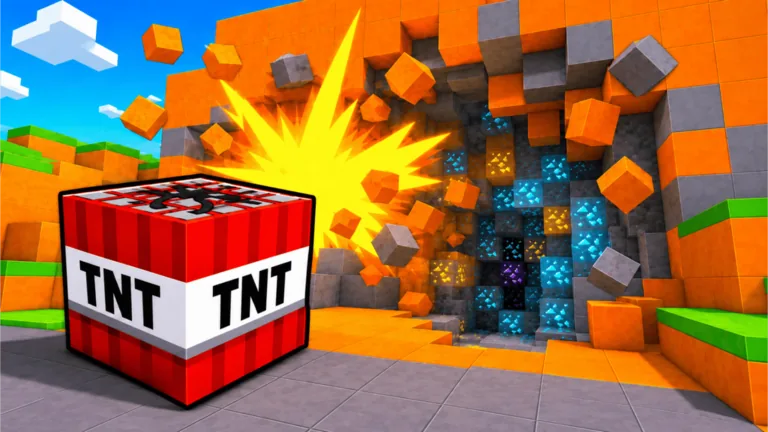
Do not assume that placing and igniting are the same action. Captured gameplay shows a crate being placed first and then activated through its own prompt.
PC control habits
On PC, use normal Roblox movement and camera controls, then follow the live click or interaction label for each station. Keep the pointer and camera centered on the block cluster before placing TNT. After placement, aim back at the crate so the ignition prompt stays easy to activate.
If clicking seems to train rather than interact, check which UI element or object currently has focus. Move away from overlapping stations, face the desired target, and try the displayed prompt again. Roblox menu focus can also intercept an input, so close open panels before testing.
Mobile control habits
Touch screens leave less viewing space, so rotate the camera before moving into a narrow mine section. Tap deliberately rather than repeatedly near overlapping prompts. Place TNT only after the surface and nearby blocks are visible, then adjust the view to reacquire the ignition prompt.
Keep thumbs clear of shop and return buttons while navigating. If the prompt is hidden by the camera angle, step sideways instead of tapping blindly. The mobile guide has a full short-session route.
Console control habits
On controller, rely on the highlighted Roblox interaction prompt for the current binding. Stand within range, face the object, and wait for the highlight before pressing. If the wrong station is selected, use a small camera adjustment or side step to change focus.
Platform availability and mappings can change. Confirm the current Roblox experience page and in-game labels rather than treating a screenshot from another version as permanent. See the console guide for route and camera advice.
Troubleshoot inputs in order
- Close any shop, chat, or Roblox menu covering gameplay.
- Move within interaction range and face the target directly.
- Confirm the on-screen prompt belongs to the intended object.
- Check that you still have TNT capacity before placing another crate.
- If trying to ignite, target a crate that has already been placed.
- Rejoin once if prompts remain absent after changing areas.
- Recheck the current device support listing if the control scheme never loads.
An apparent control problem can be a progression limit. For example, failing to place another crate can mean the current simultaneous-placement or carrying capacity has been reached, not that the input is broken.
FAQ
How do I place TNT?
Enter a mine, face a valid block surface, and use the placement input shown by the current interface.
How do I ignite placed TNT?
Aim at or approach the placed crate and activate the interaction prompt displayed on it.
Why can I not place another TNT?
You may have reached the current TNT capacity or placement limit. Check the live upgrade display and your remaining supply.
Are controls identical on all devices?
No. The gameplay actions are shared, but exact mouse, touch, and controller prompts can differ.
Does +1 TNT Mining support console?
The official description lists PC, mobile, and console. Confirm the current Roblox page and live device compatibility before joining.